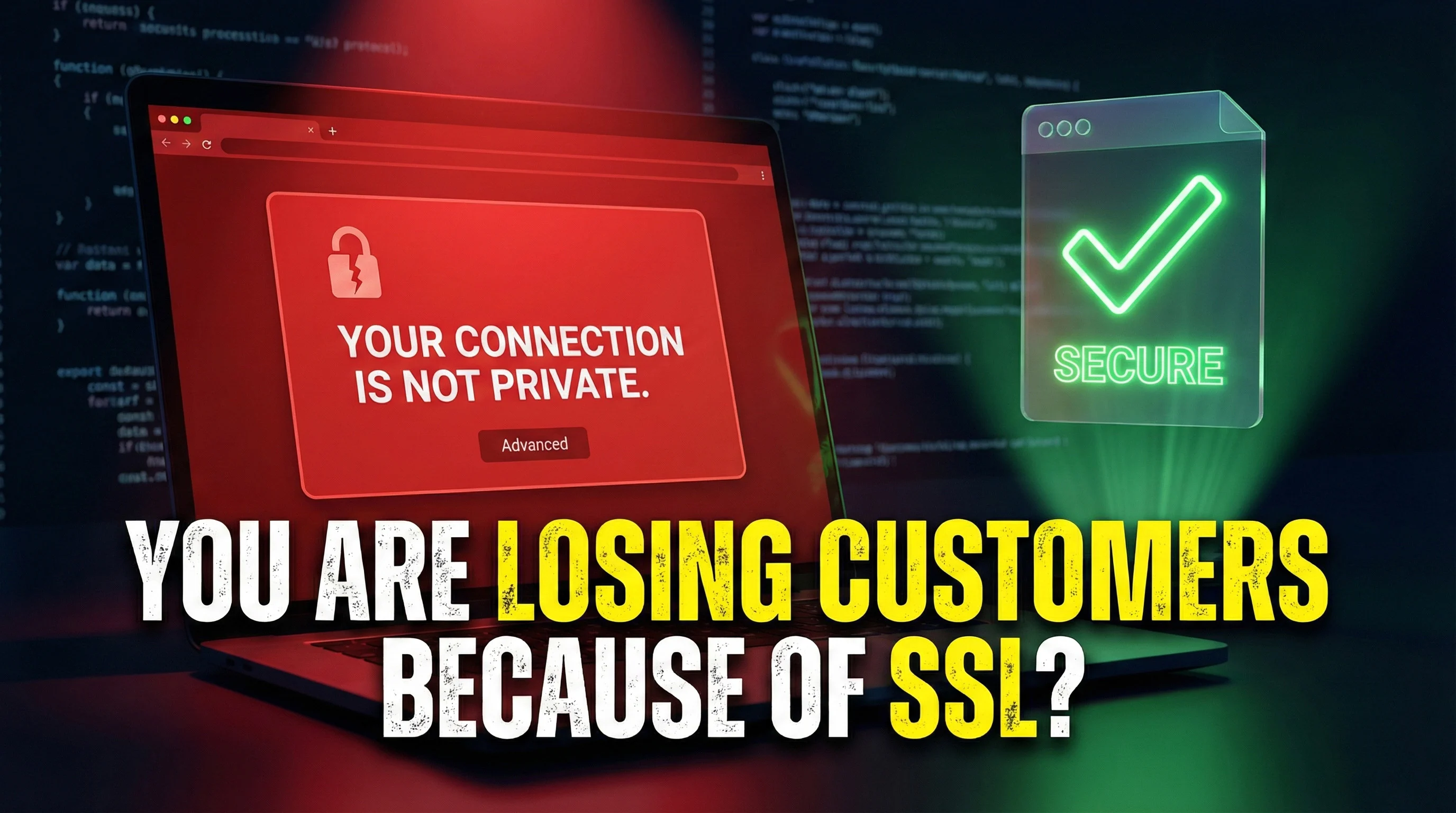
Imagine this situation: a potential customer searches for your services on Google, clicks the link to your website, and instead of seeing your offer, they see a red warning: “Your connection is not private.” What do they do? In 84% of cases, they simply close the tab and go to your competitor.
This isn’t a hypothetical scenario. It’s the everyday reality of thousands of Polish small businesses that have an SSL certificate installed—but configured incorrectly. And they lose real money because of it every single day.
Most business owners think of SSL as a technical requirement—something you “need to have,” but not necessarily understand. The problem is that a misconfigured SSL has a direct, measurable impact on your revenue.
Studies show that:
If your website generates 1,000 visits per month and, in theory, 5% could turn into customers (50 leads), then with SSL problems you may be losing up to 40 of those leads. If your average transaction value is 2,000 PLN, you’re losing 80,000 PLN per month. Per year? Nearly a million PLN.
And all of that because of something that can be fixed in 2 hours.
In Poland the situation is especially problematic. Many small businesses have an SSL certificate installed (often automatically by hosting), but nobody has ever checked whether it actually works correctly. Here are the most common issues I see:
1. Mixed Content
This is the most common problem. Your site runs on HTTPS, but some elements—images, JavaScript scripts, fonts—are still loaded over HTTP. The browser detects this and either shows a warning or blocks those elements entirely.
Typical symptoms:
2. Expired Certificate
Free Let’s Encrypt certificates (used by most Polish small businesses) are only valid for 90 days and must be renewed automatically. If auto-renewal fails, the certificate expires and every visitor gets a scary red warning.
3. No Redirect from HTTP to HTTPS
Some businesses have SSL installed but didn’t configure redirects. That means the website works both at http://yourdomain.com and https://yourdomain.com. The problem? Google sees this as duplicate content (SEO penalty), and some users still land on the unsecured HTTP version.
4. Incorrect Certificate Chain
Sometimes the certificate is installed but intermediate certificates are missing. Modern browsers can handle this, but older versions (especially on Android) will show a warning.
5. Incompatible Protocols and Ciphers
The server may be using outdated SSL/TLS protocols or weak ciphers that modern browsers consider unsafe.
You don’t have to be a developer to check whether your SSL works correctly. There’s a free tool that will do it for you in 2 minutes.
SSL Labs gives a grade from A+ to F. Here’s what each grade means:
A or A+ — Excellent. Your SSL is configured correctly and uses the latest security standards. You can sleep well.
B — Acceptable, but there’s room for improvement. You’re probably using older protocols (TLS 1.0 or 1.1) for backward compatibility. For most small businesses this is enough, but it’s worth improving to an A.
C — Problematic. Your configuration has serious weaknesses. Some browsers may show warnings. This should be fixed as soon as possible.
D or F — Critical. Your SSL is configured so poorly that it practically doesn’t work. You’re losing customers every day.
Besides SSL Labs, you must check whether your site loads any elements over HTTP:
If you see those warnings, you have a mixed content problem.
Open your website in:
In each browser, check whether:
Here’s a practical guide to the most typical SSL problems and their solutions:
Symptoms: Missing images, an exclamation mark in the address bar, warnings in the browser console.
Solution:
If you use WordPress, the easiest way to fix this is with a plugin:
Alternatively, you can manually find and replace all HTTP URLs with HTTPS in the database:
UPDATE wp_posts
SET post_content = REPLACE(post_content, 'http://twojadomena.pl', 'https://twojadomena.pl');

UPDATE wp_postmeta
SET meta_value = REPLACE(meta_value, 'http://twojadomena.pl', 'https://twojadomena.pl');
Note: Make a database backup before running these queries!
Symptoms: The certificate expired, red warning for all users.
Solution:
Most good hosting providers renew Let’s Encrypt certificates automatically. If yours doesn’t:
If you can’t find that option, contact hosting support—this is a basic feature they should provide.
For more advanced users with SSH access:
# Check certbot status
sudo certbot renew --dry-run

# Add a cron job for automatic renewal
echo "0 0,12 * * * root python -c 'import random; import time; time.sleep(random.random() * 3600)' && certbot renew -q" | sudo tee -a /etc/crontab > /dev/null
Symptoms: The site is available on both HTTP and HTTPS, duplicate content.
Solution for WordPress:
http:// to https://Then add a redirect in the .htaccess file (in the site’s root folder):
# Force HTTPS
RewriteEngine On
RewriteCond %{HTTPS} off
RewriteRule ^(.*)$ https://%{HTTP_HOST}%{REQUEST_URI} [L,R=301]
Alternatively, if you use Nginx, add this to your configuration:
server {
    listen 80;
    server_name twojadomena.pl www.twojadomena.pl;
    return 301 https://twojadomena.pl$request_uri;
}
Symptoms: A low SSL Labs grade, warnings about outdated protocols.
Solution:
This usually requires access to the server configuration. For Apache, edit the SSL config file (usually /etc/apache2/sites-available/default-ssl.conf):
# Disable old protocols
SSLProtocol all -SSLv2 -SSLv3 -TLSv1 -TLSv1.1

# Use strong ciphers
SSLCipherSuite ECDHE-ECDSA-AES128-GCM-SHA256:ECDHE-RSA-AES128-GCM-SHA256:ECDHE-ECDSA-AES256-GCM-SHA384:ECDHE-RSA-AES256-GCM-SHA384

# Prefer server ciphers
SSLHonorCipherOrder on
For Nginx:
ssl_protocols TLSv1.2 TLSv1.3;
ssl_ciphers 'ECDHE-ECDSA-AES128-GCM-SHA256:ECDHE-RSA-AES128-GCM-SHA256:ECDHE-ECDSA-AES256-GCM-SHA384:ECDHE-RSA-AES256-GCM-SHA384';
ssl_prefer_server_ciphers on;
After making changes, restart the server:
sudo systemctl restart apache2 # or nginx
Note: If you don’t have server access or you’re not comfortable editing these files, ask your hosting provider for help or contact me.
Symptoms: The warning “Certificate does not match the domain name.”
Solution:
This happens when:
www.domain.com but you’re visiting domain.com (or vice versa)Solution:
*.domain.com) if you support multiple subdomainssudo certbot certonly --apache -d domena.pl -d www.domena.pl
Most business owners think of SSL as a “technical formality.” That’s a fundamental mistake.
SSL is not just data encryption. It’s a visual signal of trust for your customers.
When a user sees the red warning “Your connection is not private,” their brain gets a very simple message: this site is not safe—run.
It doesn’t matter that your company has existed for 20 years, that you have references from hundreds of clients, that your product is the best on the market. The user sees the warning and their self-preservation instinct tells them to close the tab.
It’s exactly as destructive as if your brick-and-mortar store had a broken window, a trashed sign, and graffiti on the wall. The customer thinks “something’s off” and simply goes to a competitor.
UX studies show that users form an opinion about your website (and your business) in 0.05 seconds—50 milliseconds. That’s faster than a single blink.
If their first contact with your brand is a security warning, you’ve already lost. There is no second chance to make a first impression.
In 2025, properly configured SSL isn’t a competitive advantage. It’s a basic hygiene factor. It’s like cleanliness in a restaurant—nobody chooses a restaurant “because it’s clean,” but everyone will avoid a restaurant that’s dirty.
Your competitors have SSL. Google expects SSL. Users expect SSL. If you don’t have it, you’re behind.
I worked with a small training company from Poznań that sold online courses. They had a nice website, a solid offer, and they were actively promoting themselves on social media. The problem? Their conversion rate was catastrophically low—only 1.2% of visitors signed up for a free webinar.
After 15 minutes of analysis I found the issue: their SSL certificate had expired 3 weeks earlier. Everyone who tried to enter the website saw a red warning. Most people simply closed the tab.
Interestingly, the owner didn’t see it at all—they were using Chrome, which had a previously cached version of the certificate. Only when I checked the site on a fresh browser installation did the issue show up.
Within 2 hours:
Within 7 days after the fix:
Same traffic sources (Google Ads + social media), same landing pages, same offer. The only difference? Working SSL.
If you read this article and thought “this sounds complicated, I’d rather have someone just fix it for me”—I’ve got good news.
Quick SSL diagnosis (free):
SSL repair (from 300 PLN):
Guarantee:
I specialize in building and optimizing WordPress websites for small and medium businesses in Poland. I understand that not every business owner is a developer—and shouldn’t have to be. Your expertise is your industry; my expertise is technology.
I won’t “bury you in jargon” or “sell you services you don’t need.” If you can fix the issue yourself using this article—great. You’ll save money. If you’d rather have someone do it for you quickly and professionally—I’m here.
Contact me and describe your issue. Within 24 hours you’ll receive a free diagnosis and a repair quote.
You can also use a free consultation, where we’ll discuss not only SSL, but your entire online presence, and I’ll propose a comprehensive improvement plan.
And if you’re only planning to build a new website or redesign an existing one, check out my interactive pricing form—you’ll choose the features yourself and immediately see an estimated cost.
Print this checklist and verify each point:
Basics:
Redirects:
Mixed Content:
Server Configuration:
User Experience:
Monitoring:
If any box is unchecked—you have a problem to fix.
Is a free Let’s Encrypt certificate worse than a paid one?
No. Technologically, Let’s Encrypt provides exactly the same encryption as paid certificates. The only differences are the validity period (90 vs. 365 days) and no extended validation (EV). For 99% of small businesses, Let’s Encrypt is more than sufficient.
How often should I check my SSL?
At minimum once per quarter. Ideally, set up automatic monitoring (many hosting providers offer it for free). Also check SSL any time after: changing hosting, updating WordPress, adding new subdomains.
Does SSL slow down my website?
Modern SSL certificates with HTTP/2 actually speed up websites rather than slow them down. The old “SSL slows things down” myth comes from the HTTP/1.1 era and is no longer true.
What if my hosting provider doesn’t offer free SSL?
Change hosting. In 2025, hosting without free Let’s Encrypt is simply bad hosting. Check my hosting migration offer—I’ll move your website to better hosting and configure SSL as part of the service.
Can I have SSL only on the payment page and leave the rest on HTTP?
Technically yes, but it’s a terrible idea. Google penalizes sites without HTTPS, users don’t trust sites without a padlock, and the browser will show a warning on first contact anyway. In 2025, your entire website must be on HTTPS.
84% of users leave a website when they see an SSL warning. That’s not a statistic you can ignore.
If your site has SSL issues—you’re losing real customers every day. Every day someone sees the warning, closes the tab, and goes to your competitor. Every day you’re leaving money on the table.
The good news? Fixing it takes 2 hours and often costs less than lunch at a restaurant.
Next steps:
Don’t put it off. Every day is more lost leads. Every day is money you’re handing to your competitors.
Article last updated: January 2025. All procedures and tools were up to date at the time of publication. If you notice anything that needs updating, let me know.
Need help with SSL? Contact me—I’ll run a free diagnosis and fix the issue within 24 hours, before you lose more leads.
Why Your Website Is Losing Customers Due to SSL Issues
Imagine this situation: a potential customer searches for your services on Google, clicks the link to your website, and instead of seeing your offer, they see a red warning: “Your connection is not private.” What do they do? In 84% of cases, they simply close the tab and go to your competitor. This isn’t a […]
